Modify
1. Move and Delete
You can move or delete polygons and their vertices.
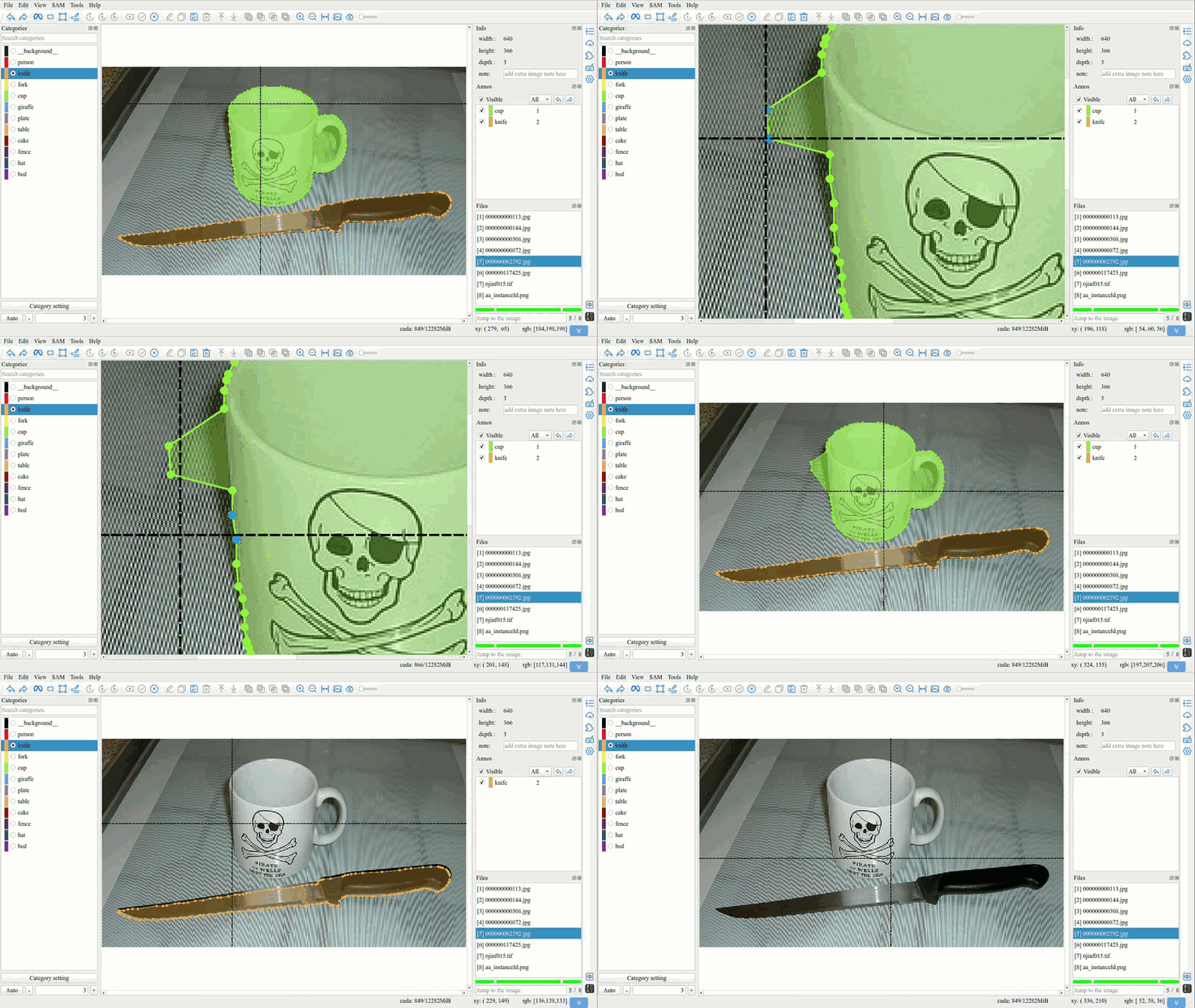
Tip
Multiple selection is supported.
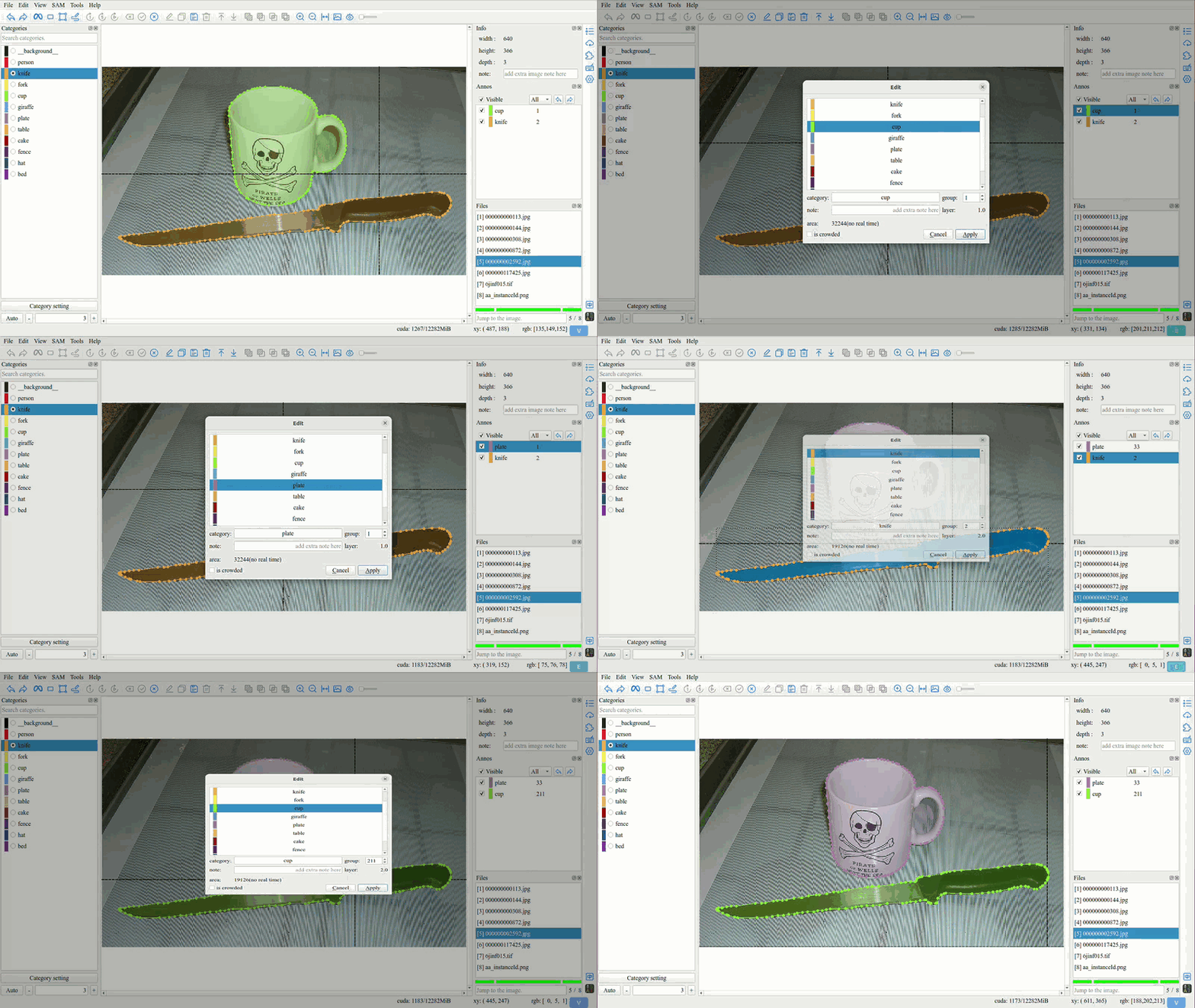
2. Edit
Double click polygon or annotations list to open edit interface.
3. Repaint
Tip
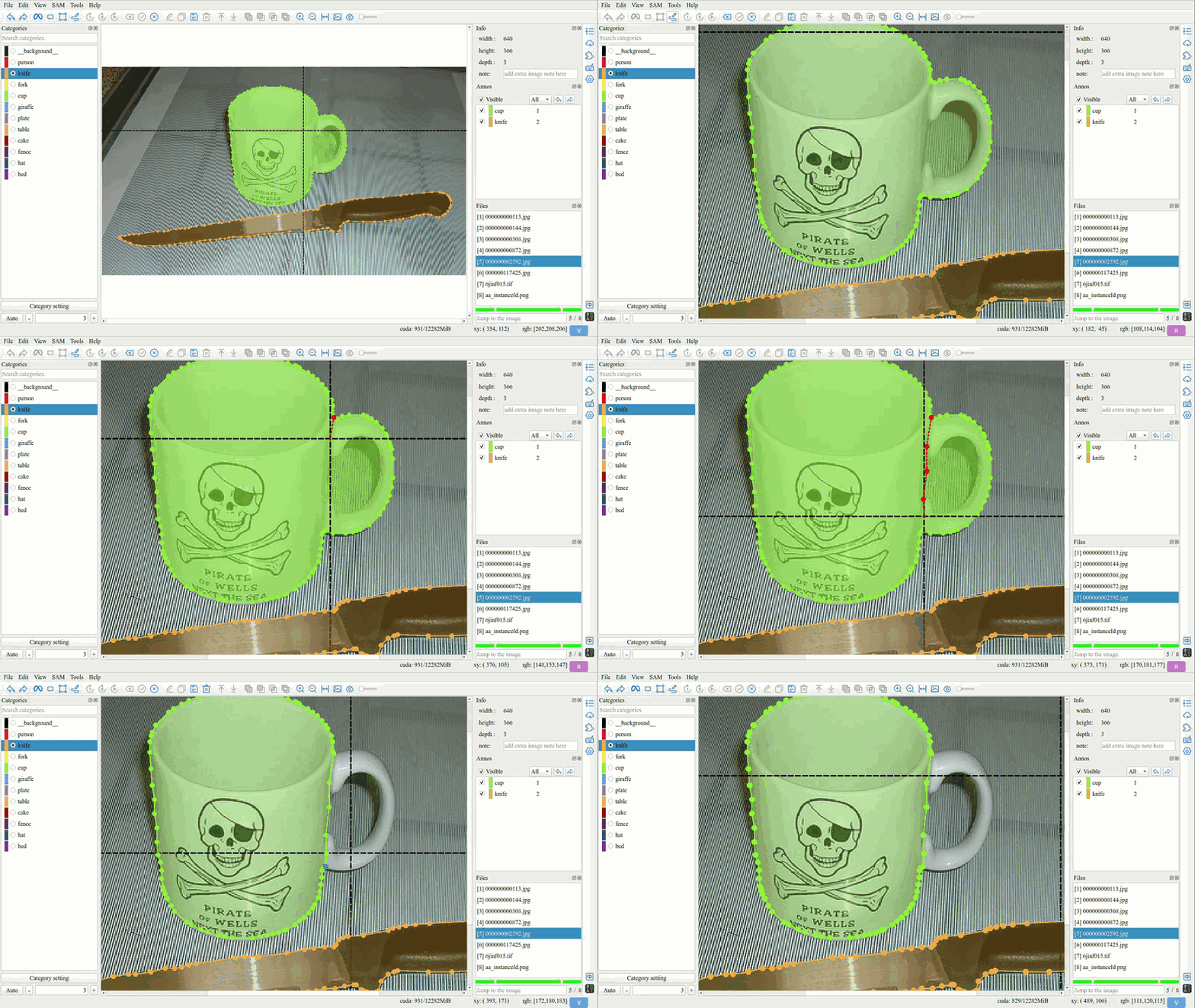
Repaint process:
Click the
Repaintbutton to switch to repaint mode.Click on a vertex of polygon to start repaint.
Click on another vertex of polygon to end repaint.
4. Adjust the Layer
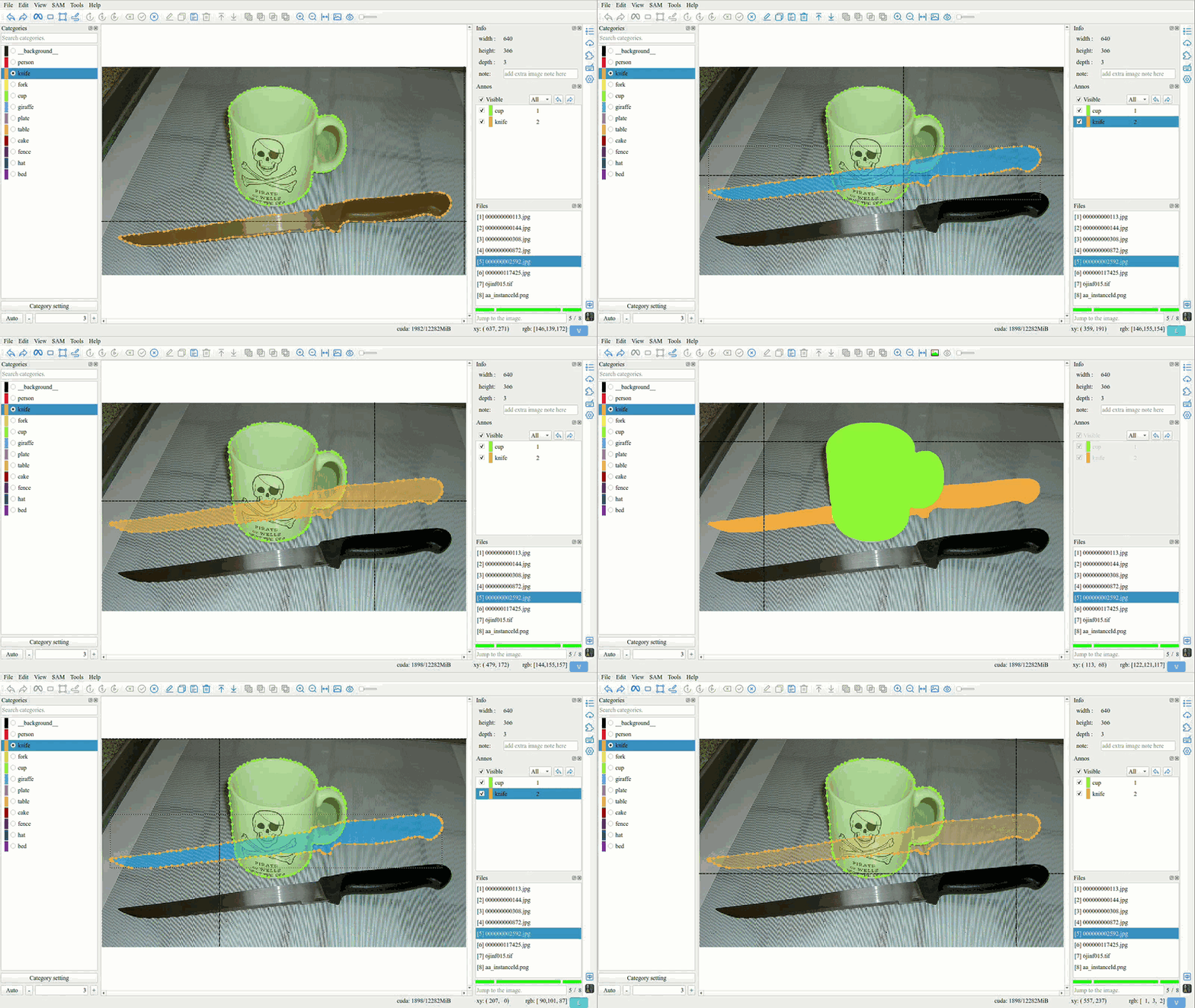
Tip
Adjust the occlusion status of objects by changing the layer order.
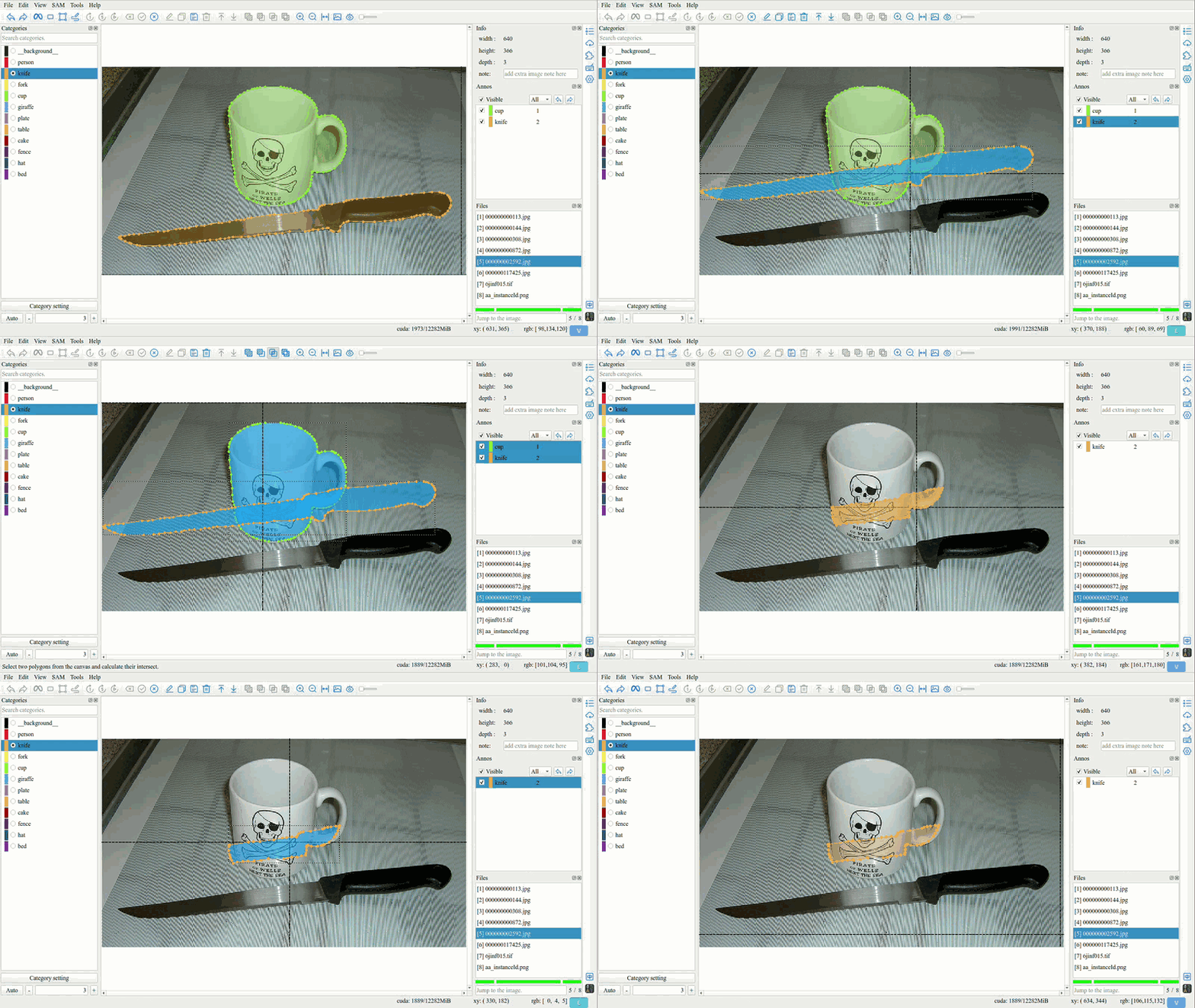
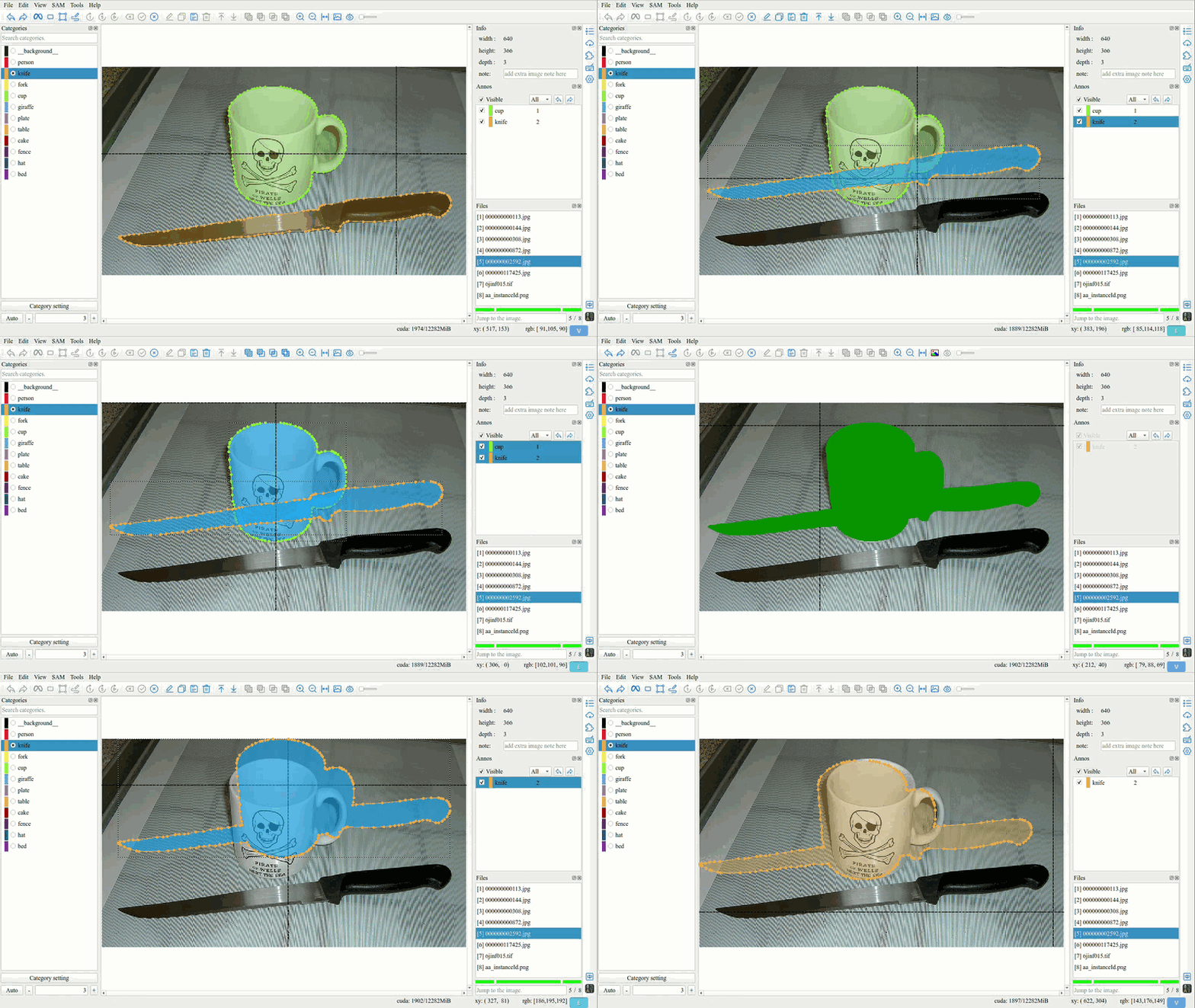
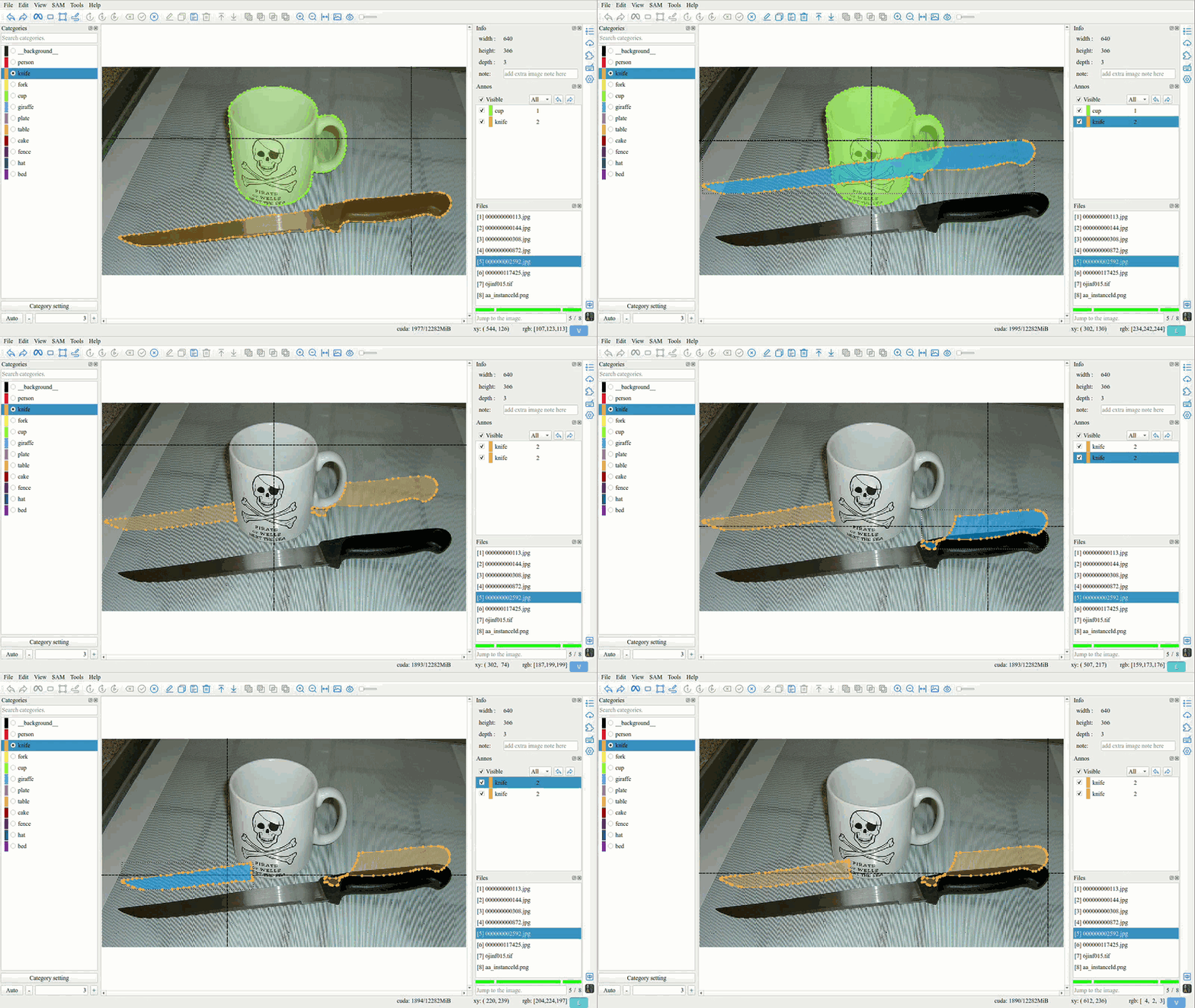
5. Intersection, Union, Difference, and XOR
Intersection
Union
Difference
XOR (Symmetric Difference)
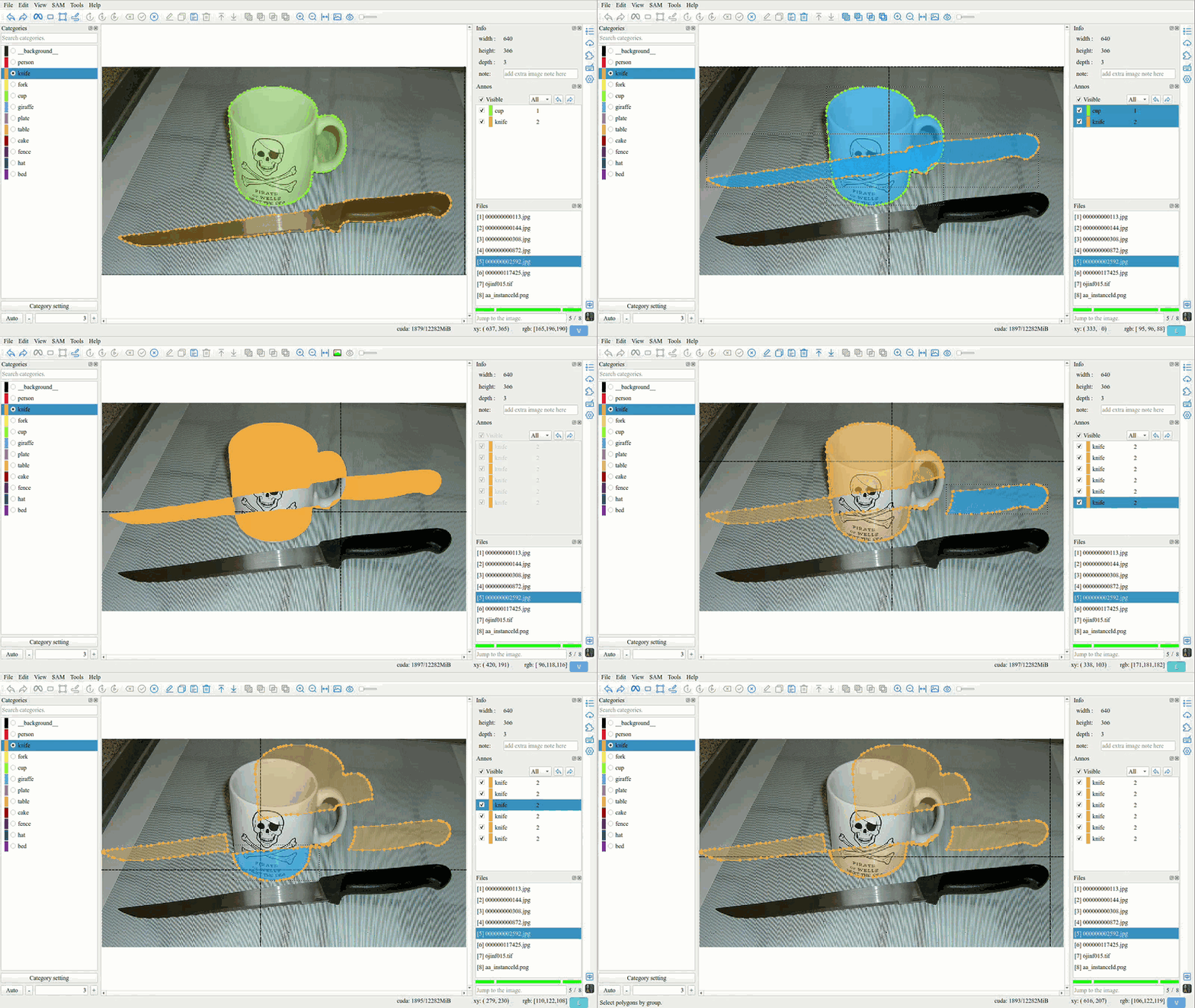
Tip
Always use the attributes of the first polygon.