Other
1. Setting
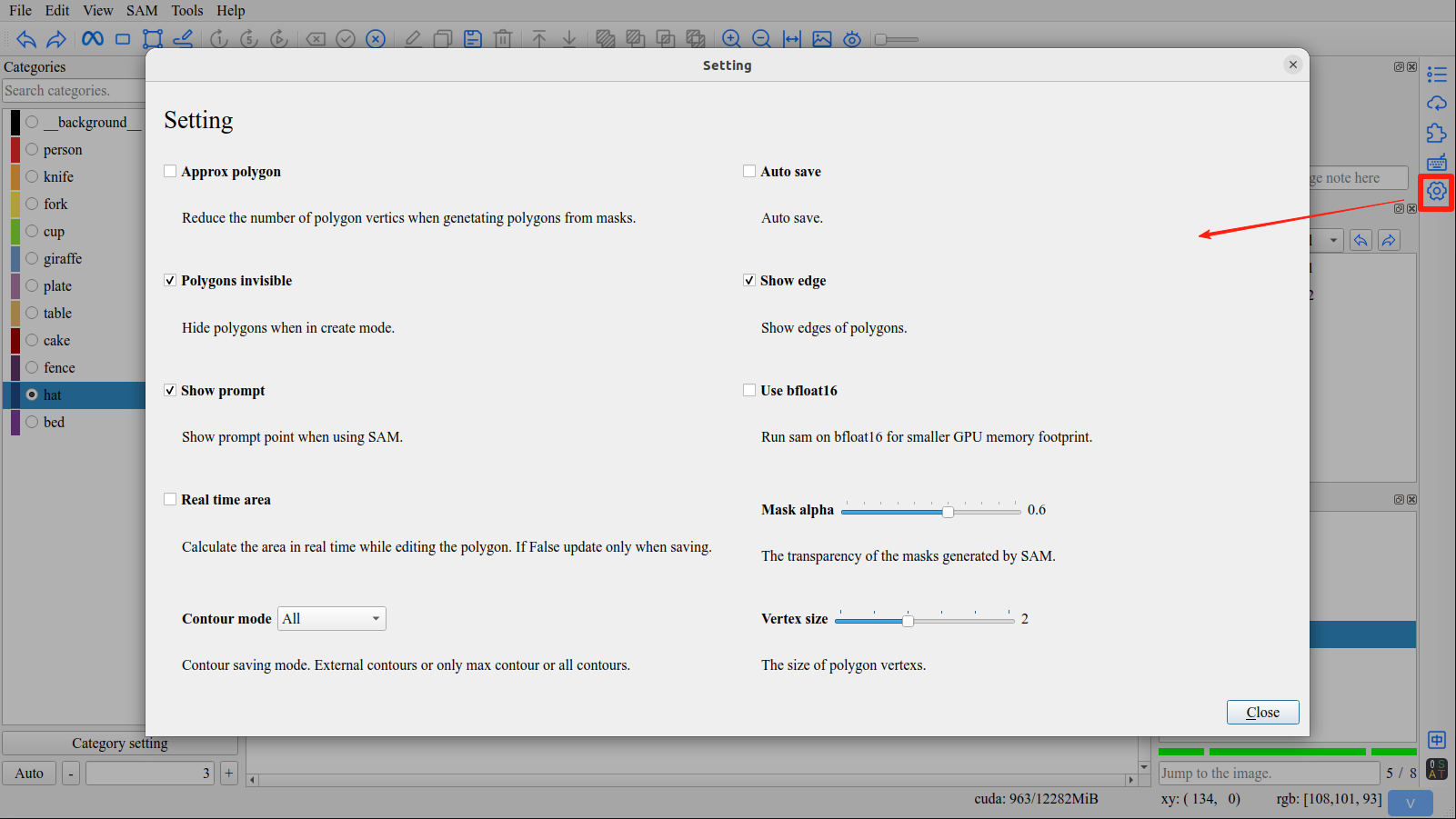
Click Setting button in right toolbar to open setting interface.
1.1 Approx Polygon
Reduce the number of polygon vertics when genetating polygons from masks.
Enabled

Disabled

Tip
Applies after Contour Method.
1.2 Use Bfloat16
Run sam on bfloat16 for smaller GPU memory footprint.
1.3 Use Video Segmentation
Close video segmentation feature for smaller GPU memory footprint.
1.4 Real Time Area
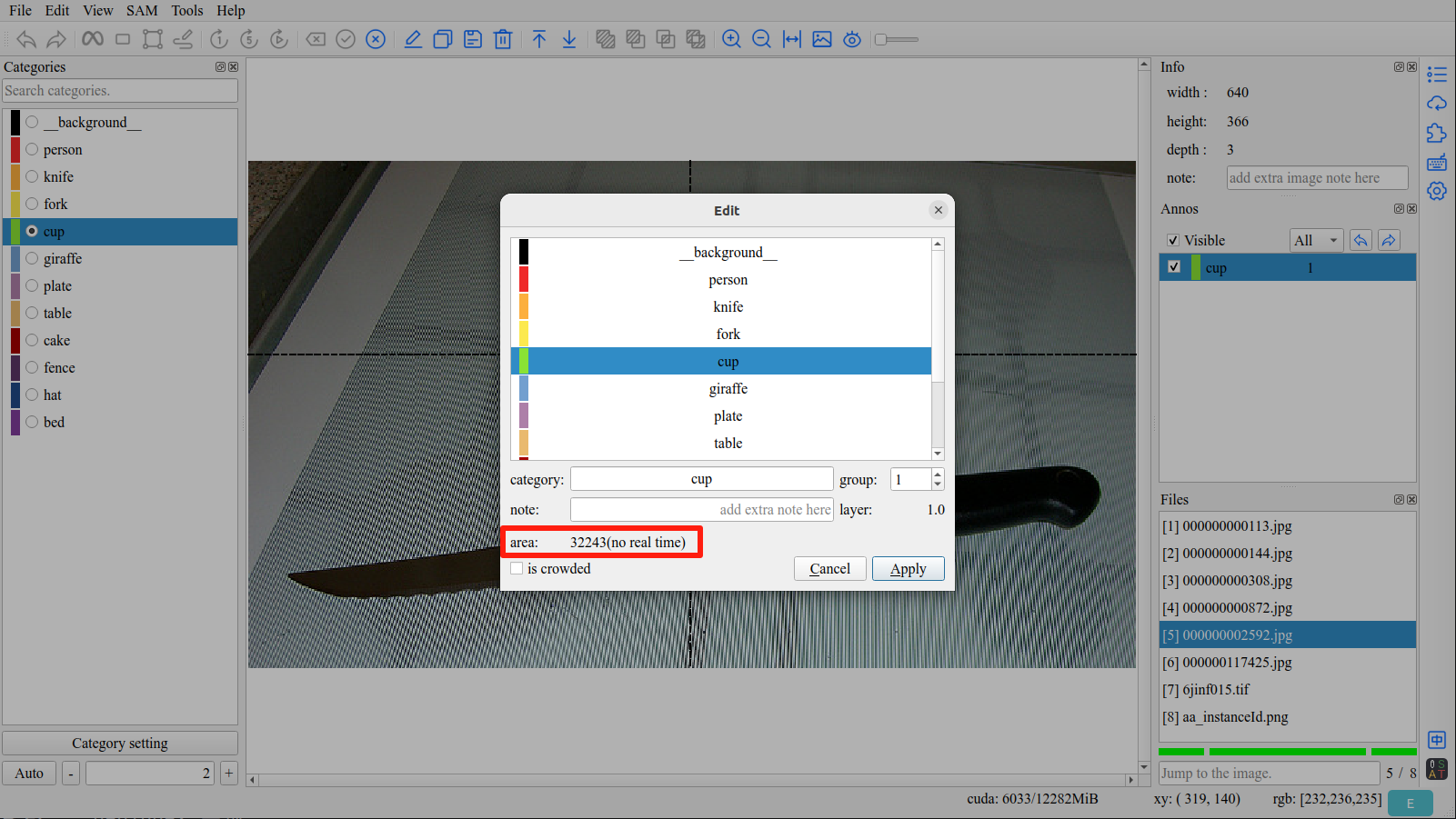
Calculate the area in real time while editing the polygon. If false update only when saving.
1.5 Mask Alpha
The transparency of the masks generated by SAM.
1.6 Contour Mode
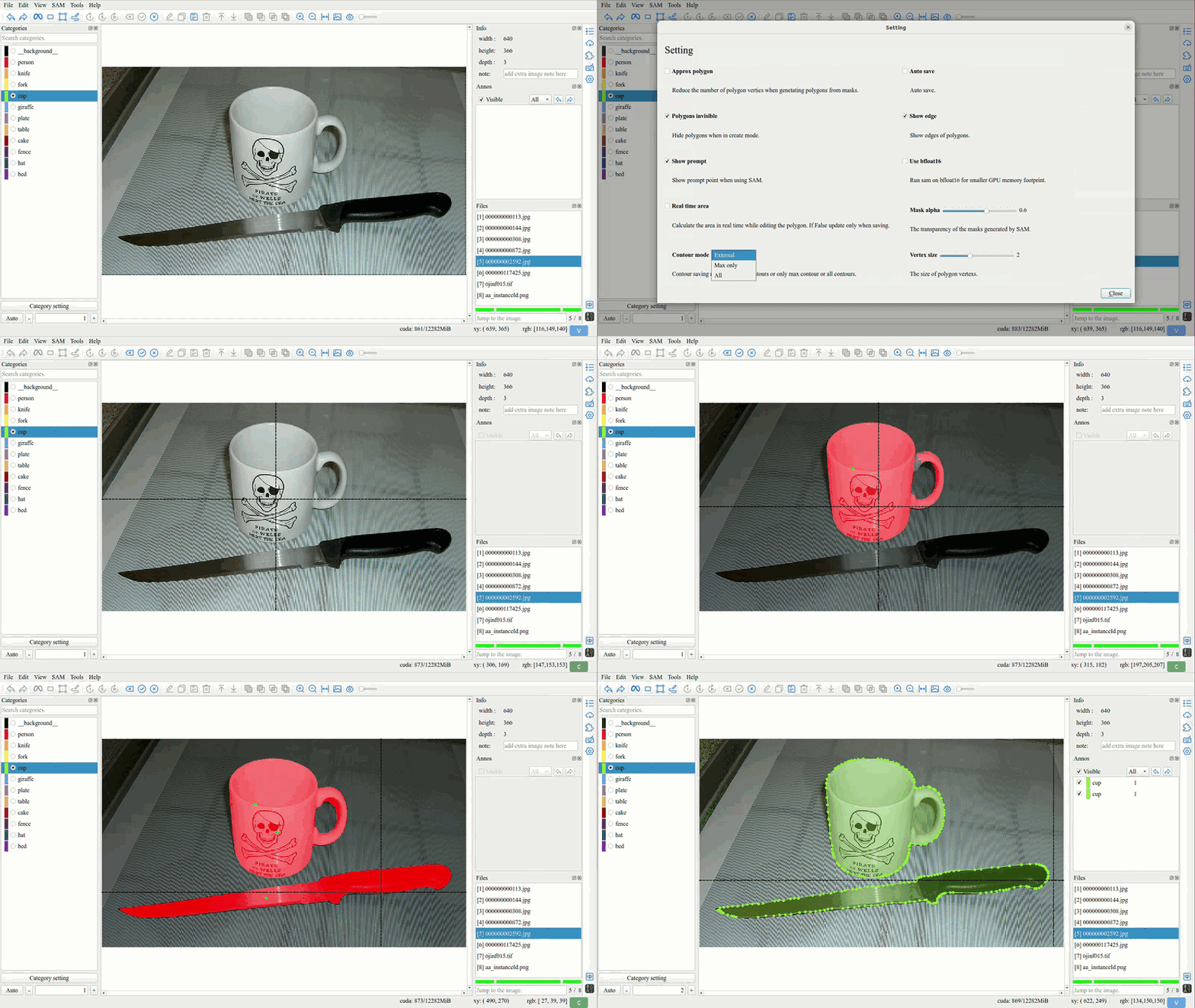
External Contours
Tip
Save all external contours.
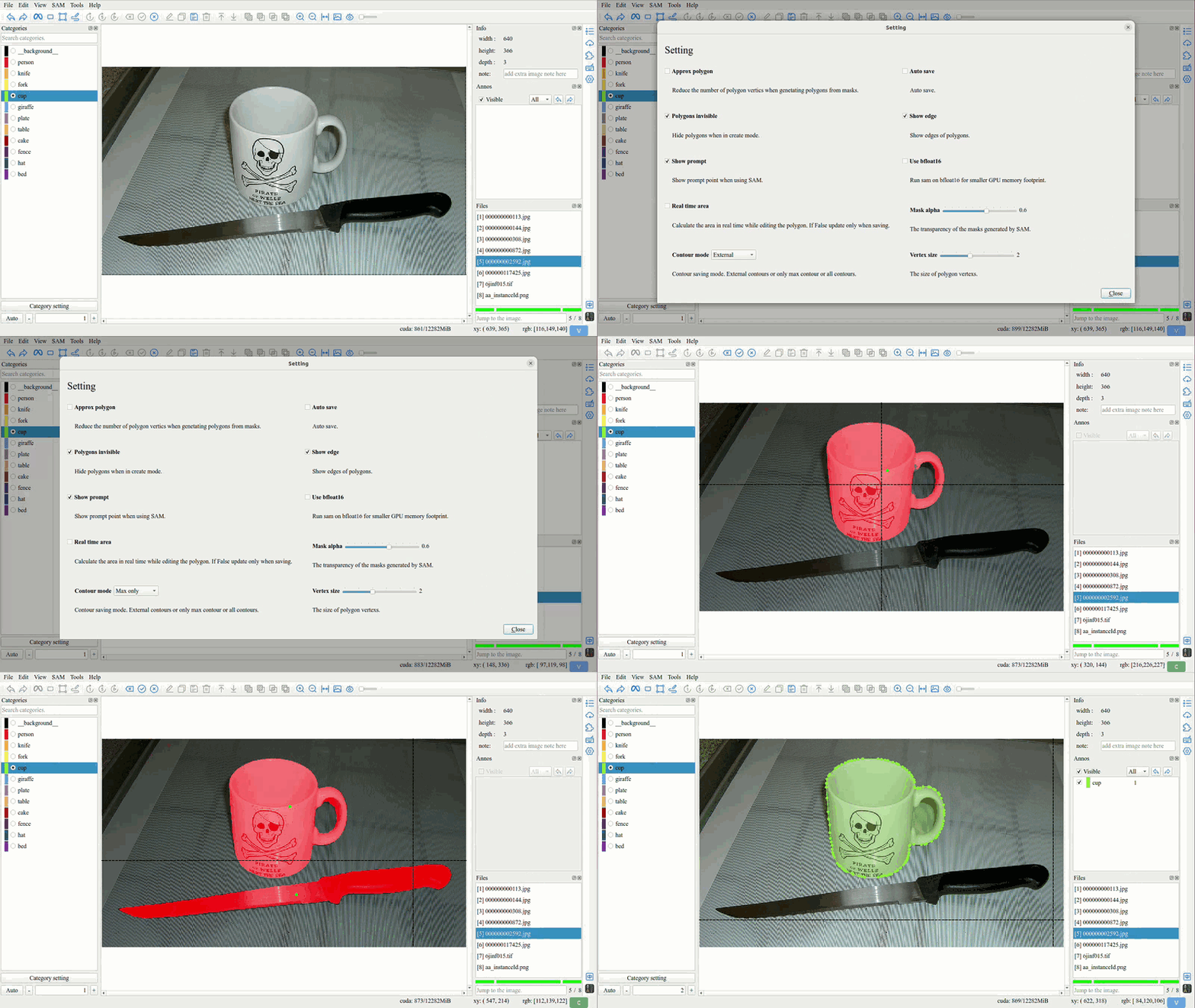
Only Max Contour
Tip
Save the largest contour.
All Contours
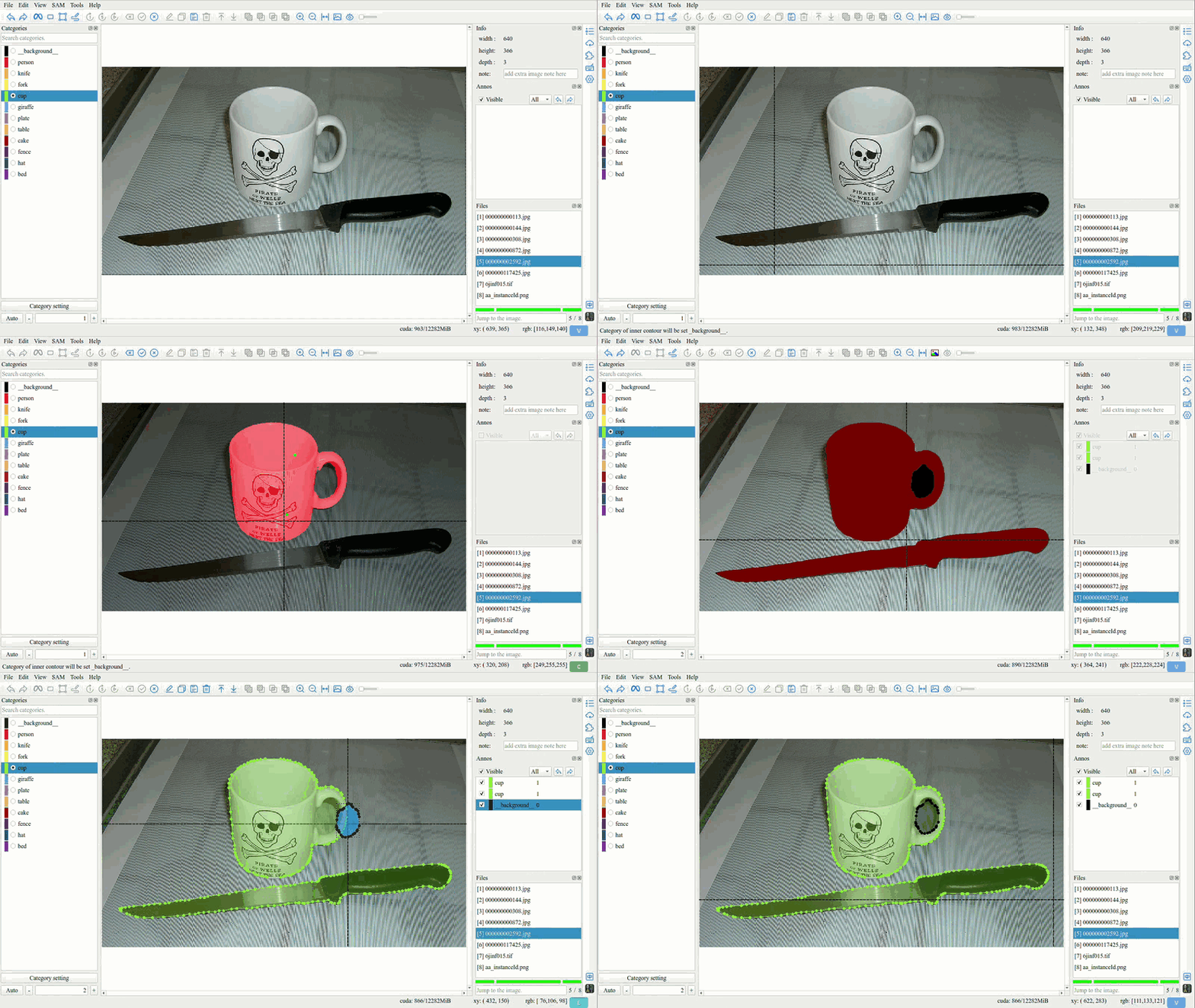
Tip
Save all contours, setting the category of inner contours to __background__.
1.7 Contour Method
Simple
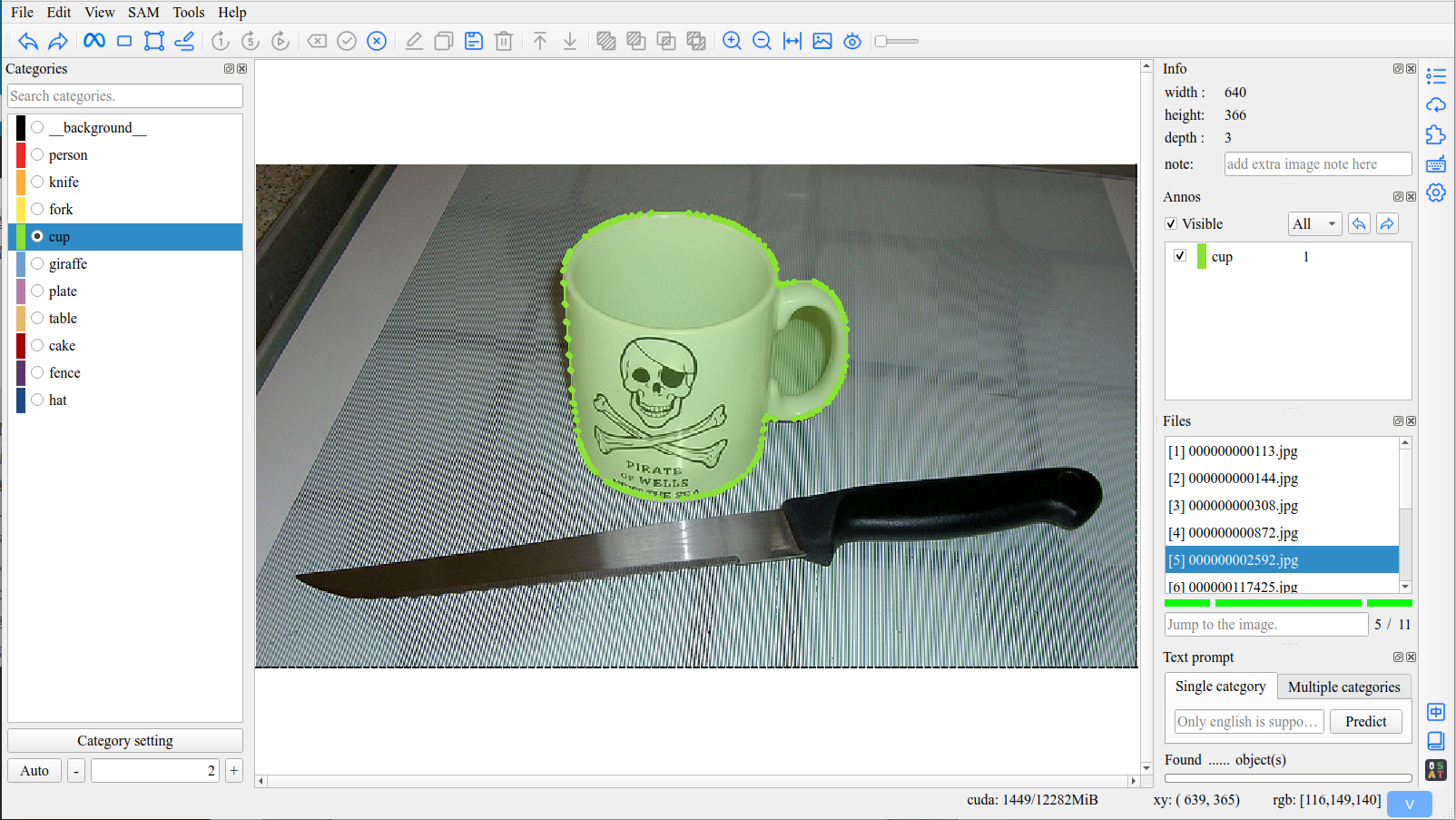
Tip
The default method. It can handle most situations.
TC89_KCOS
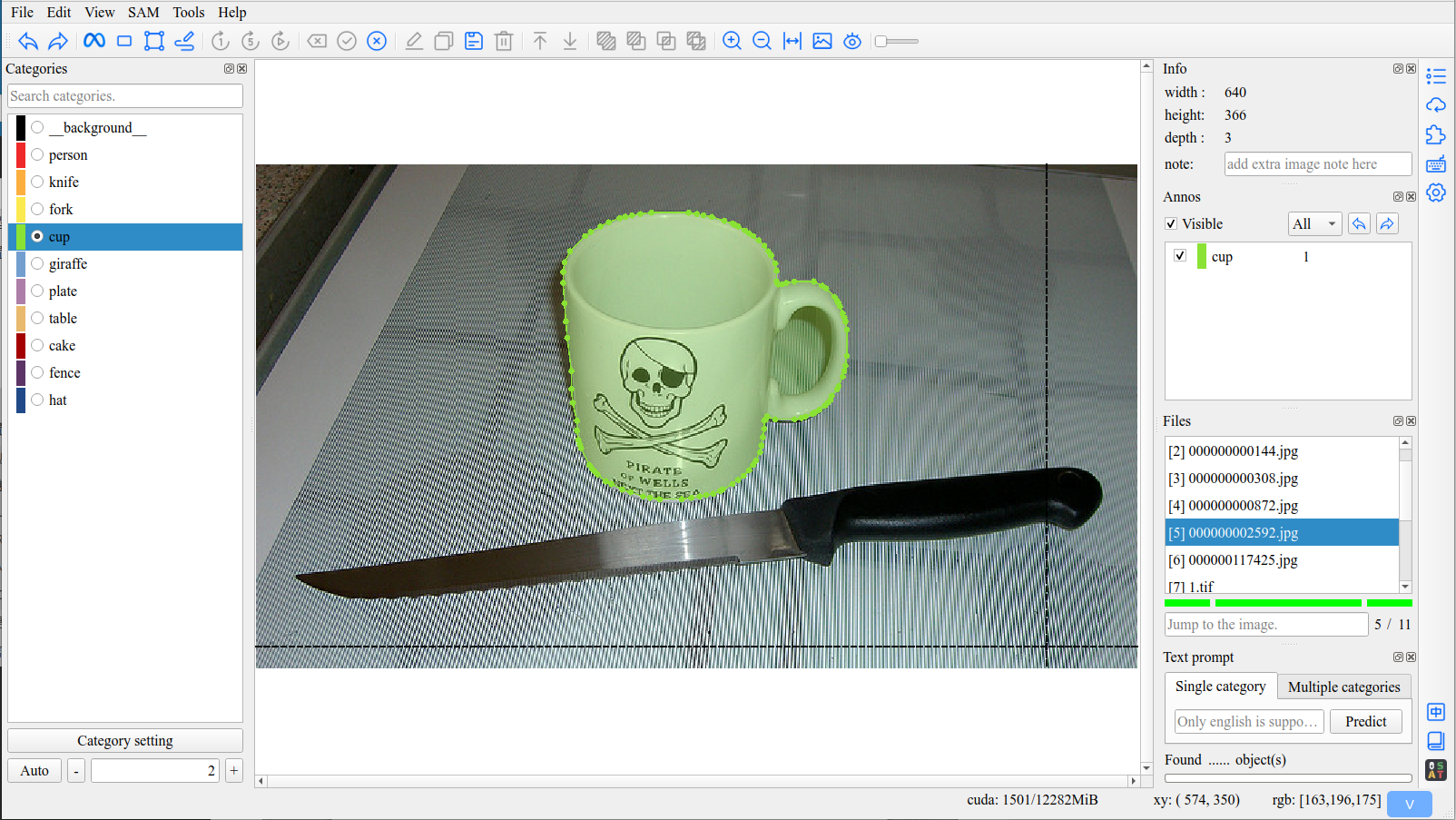
None
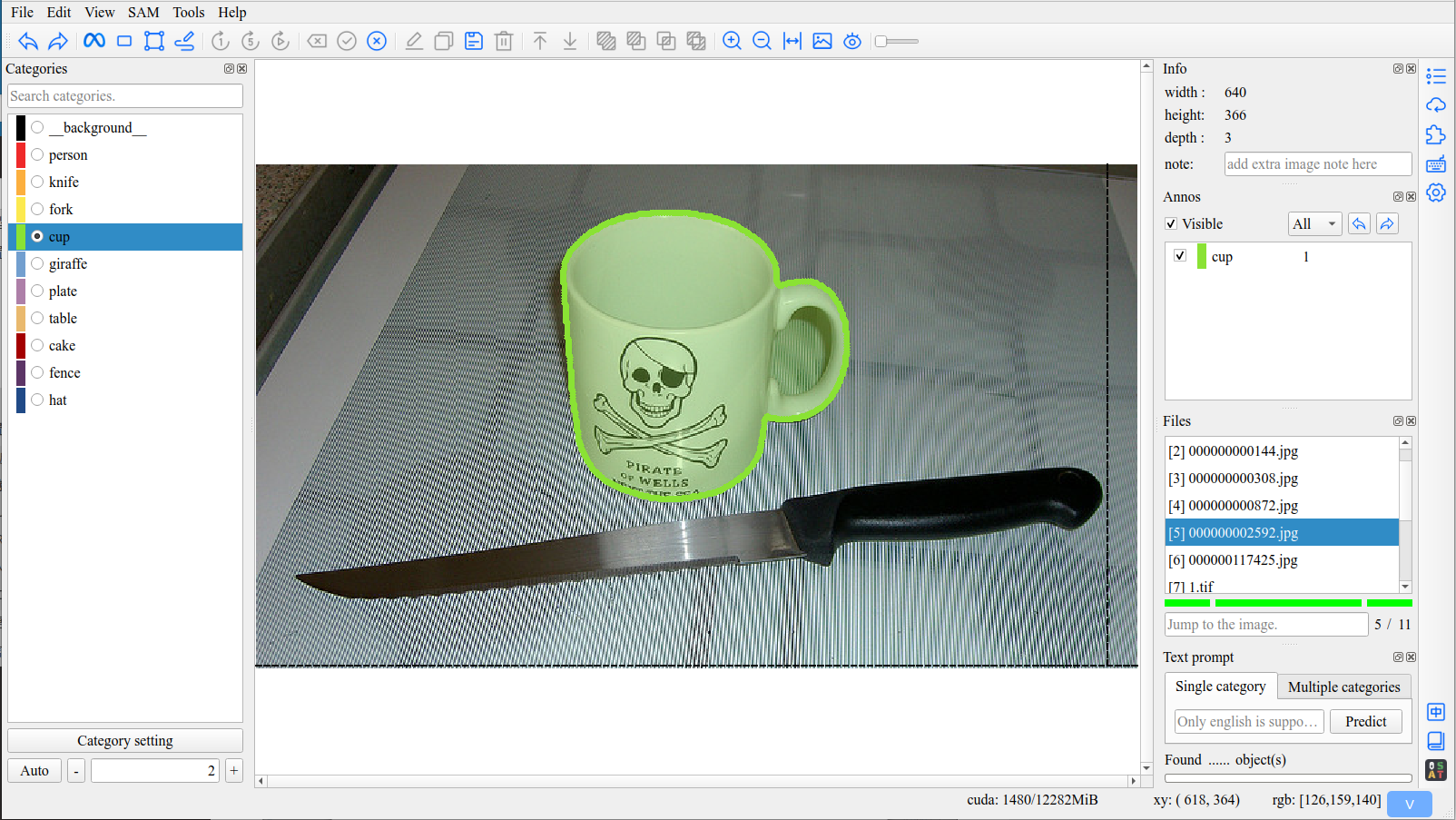
Tip
The None method will Keep all vertices.
2. Shortcut
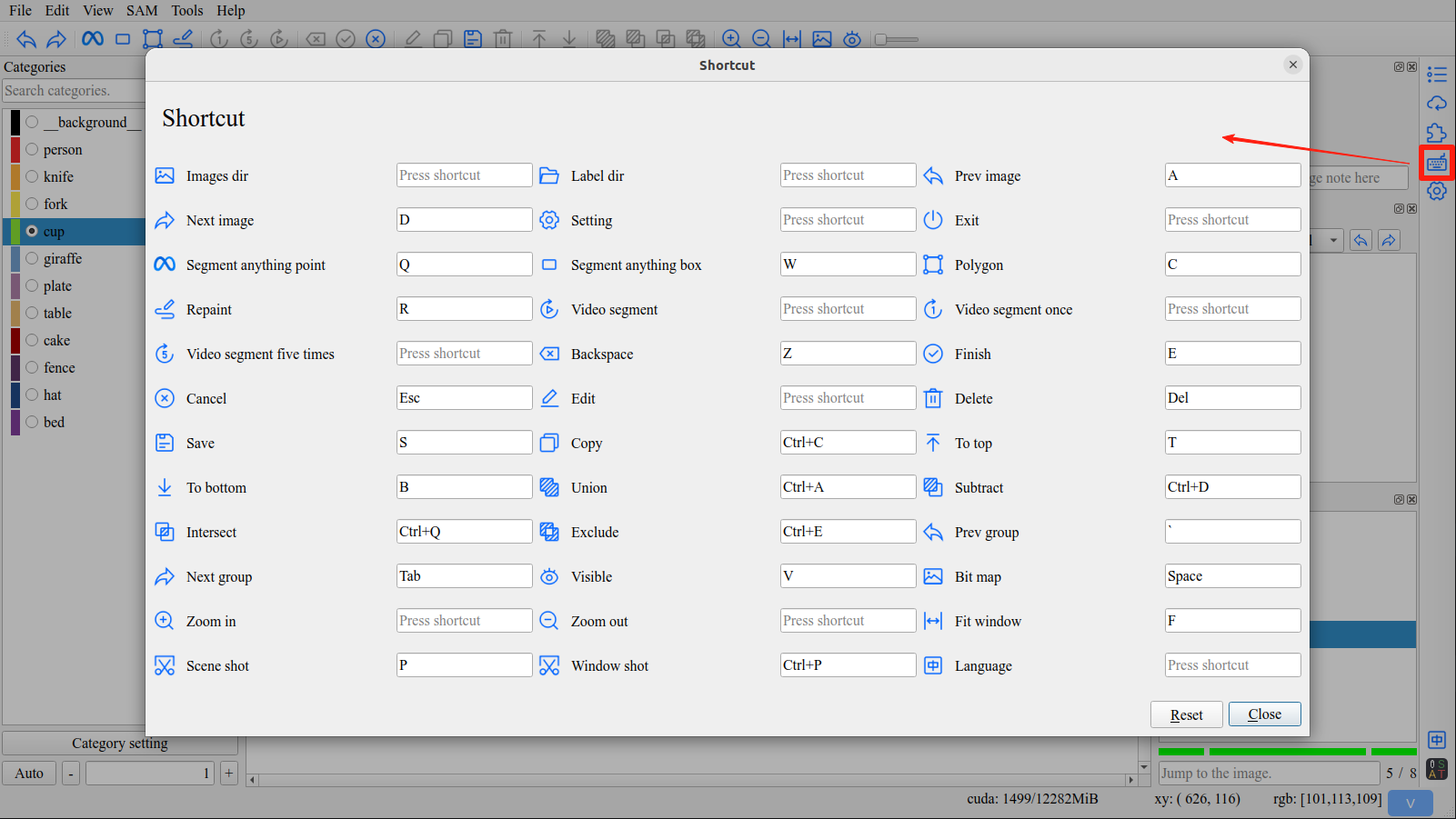
Click Shortcut button in right toolbar to open shortcut interface.
Tip
You can customize all shortcuts to suit your own preferences.
3. Language Switching
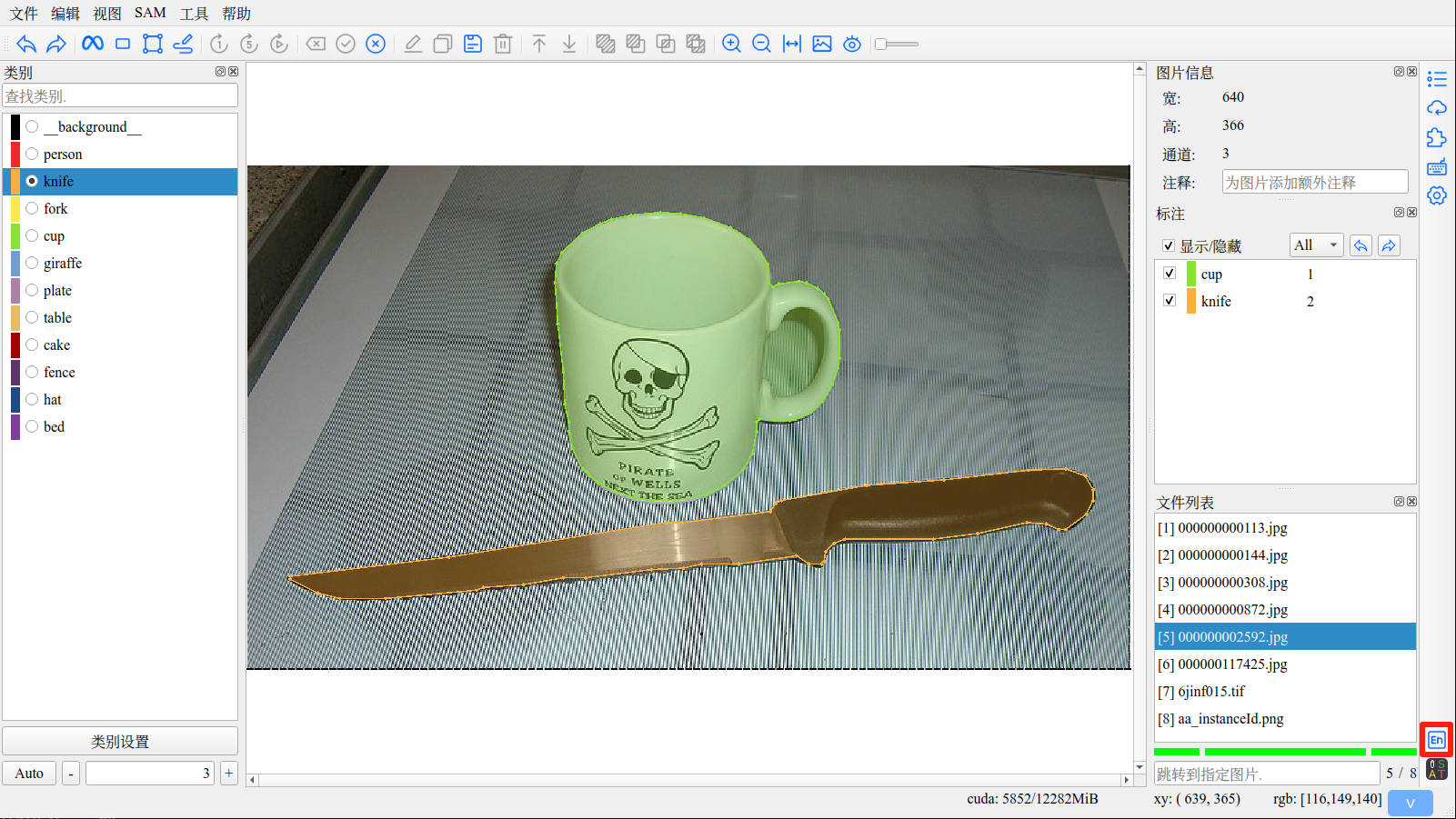
Click Language button in right toolbar to switch language.
Tip
The software provides two interfaces, Chinese and English, which can be switched at any time.